
Download Pure Reader – Free Firefox Add‑on for Google Reader
Overview
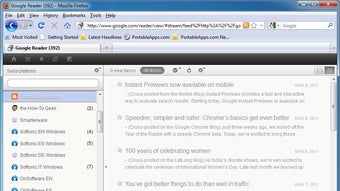
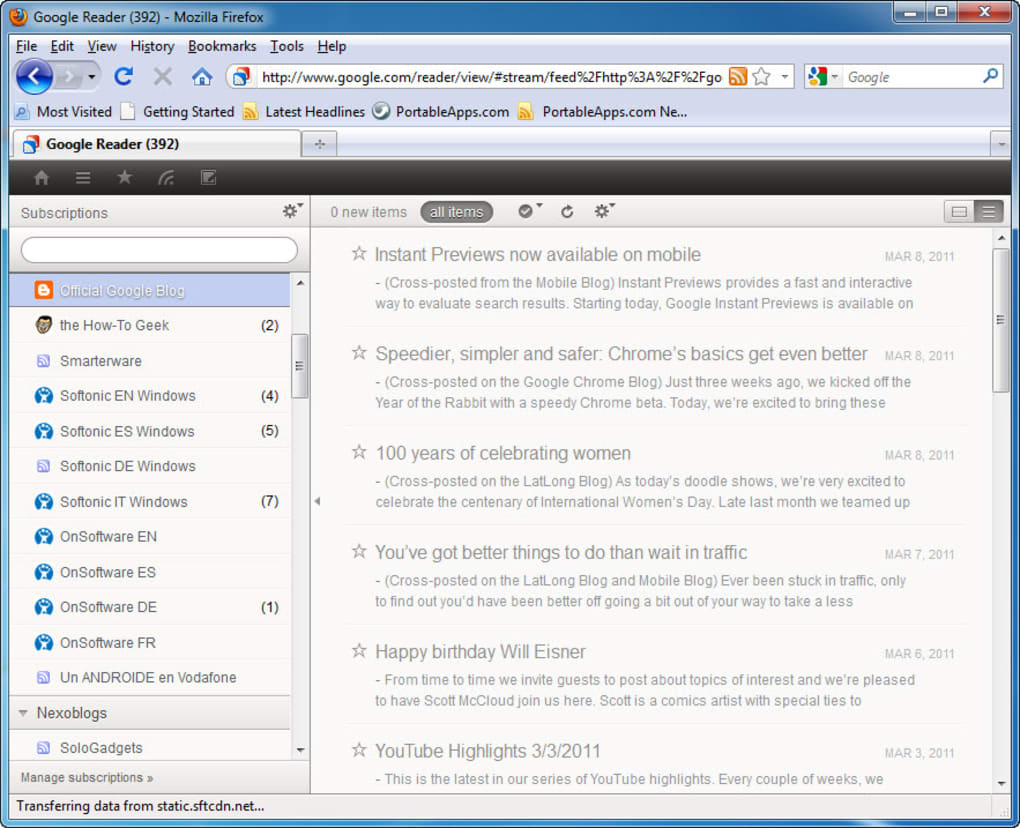
Pure Reader is a lightweight Firefox add‑on that completely revamps the look and feel of Google Reader, one of the most beloved RSS aggregators on the web. If you start every workday by sipping a hot cup of coffee while scrolling through headlines, you’ll instantly notice how Pure Reader makes that ritual more pleasant. The extension replaces the original, cramped Google Reader interface with a clean, elegant layout that maximises space for text and images.
By focusing on typography, white space, and a simplified toolbar, Pure Reader lets you concentrate on what matters most – the news you love. While the core functionality of Google Reader remains untouched, the visual overhaul brings a modern aesthetic that feels both fresh and familiar. Early adopters have praised the smoother scrolling, clearer icons, and the way the add‑on subtly highlights unread items without overwhelming the eye.
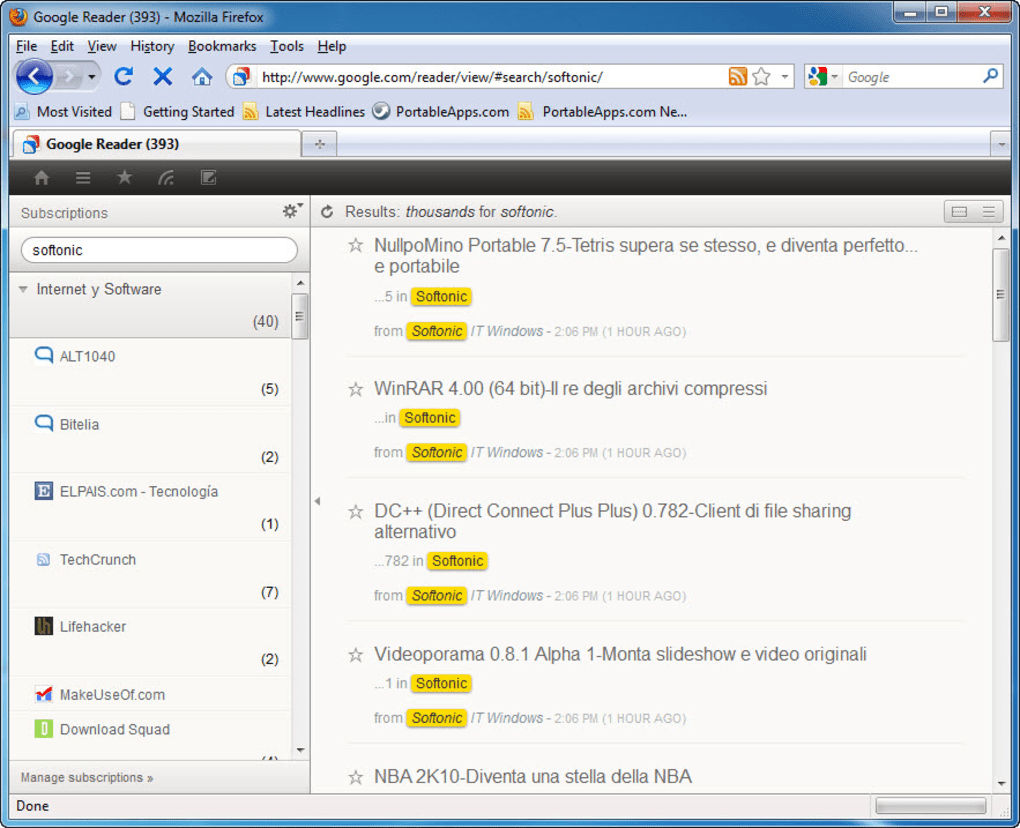
There are a few rough edges, such as occasional double‑line folder titles when many items are unread, and the absence of tooltip explanations for toolbar icons. Nevertheless, the overall experience is a significant upgrade for anyone who relies on Google Reader for daily news consumption. Pure Reader is free, easy to install, and updates automatically through Firefox’s add‑on manager, ensuring you always have the latest design tweaks and bug fixes.
Key Features
- Elegant, minimalist design – A clutter‑free interface that puts content front and centre.
- Responsive layout – Optimised for both high‑resolution monitors and smaller laptop screens.
- Improved typography – Larger, more readable fonts and better line spacing for extended reading sessions.
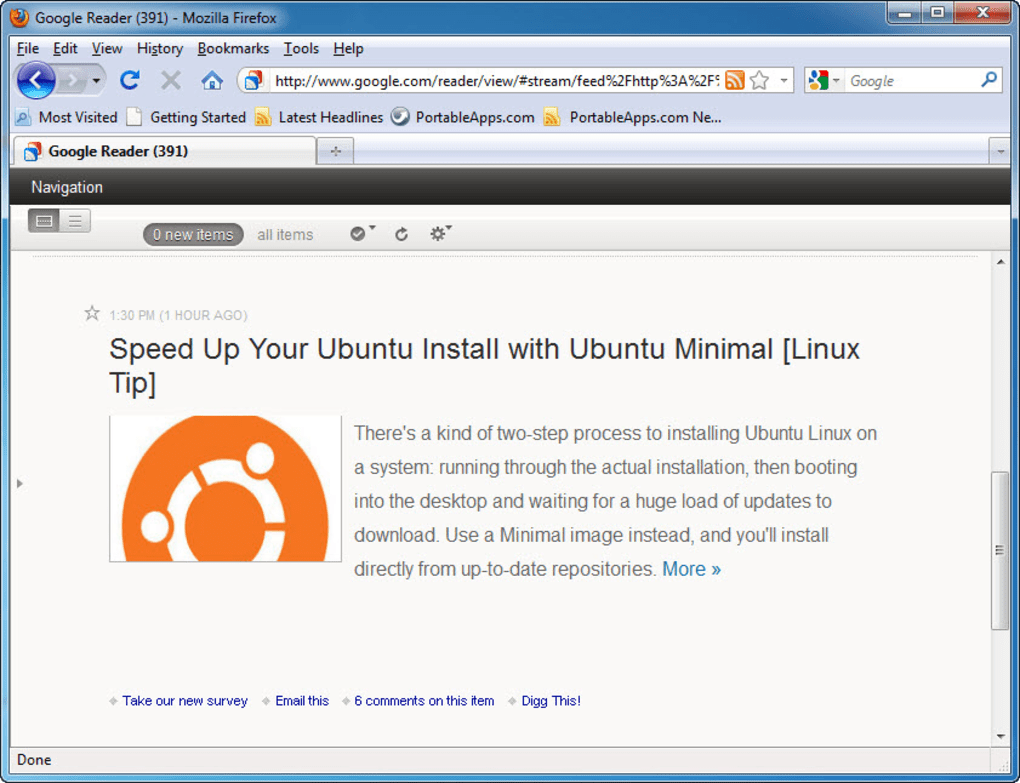
- Enhanced image handling – Images are displayed at natural size with lazy loading to speed up page rendering.
- Customisable toolbar – Rearrange or hide icons to suit your workflow.
- Automatic updates – The add‑on receives seamless updates via Firefox’s built‑in system.
- Lightweight footprint – Minimal impact on browser performance and memory usage.
- Open‑source friendly – Community contributions are welcomed on the project’s GitHub repository.
Beyond the visual polish, Pure Reader respects the original functionality of Google Reader. All standard actions – marking items as read, starring, sharing, and organizing feeds – remain fully operational. The extension also respects user preferences, allowing you to switch back to the default Google Reader view with a single click if you ever need to revert. For power users, Pure Reader provides a subtle but useful highlight on unread items, making it easier to spot fresh content without scanning the entire feed list. The design philosophy behind Pure Reader is to eliminate distractions while preserving the robust feature set that made Google Reader a staple for RSS enthusiasts worldwide.
Installation & Usage Instructions
Step‑by‑Step Installation
- Open Firefox and navigate to the Pure Reader add‑on page on Mozilla’s official repository.
- Click the “Add to Firefox” button. Firefox will prompt you to confirm the installation.
- Accept the permissions request – Pure Reader needs access to modify the Google Reader page to apply its visual changes.
- After the download finishes, a confirmation banner will appear. Click “Restart now” if prompted, or simply continue browsing.
- Visit Google Reader to see the new interface instantly applied.
First‑Time Configuration
When you open Google Reader for the first time after installing Pure Reader, you’ll notice a subtle banner at the top of the page offering a quick tour. This tour walks you through the most important visual changes: where the new toolbar resides, how the feed list is now displayed, and where to find the “Back to Classic” switch if you ever need it. You can dismiss the tour or revisit it later from the Pure Reader settings menu, accessed via the gear icon on the top‑right corner of the page.
Daily Use Tips
Pure Reader works silently in the background, so you won’t need to interact with it beyond the occasional toolbar customisation. If you prefer a denser feed view, head to the settings panel and toggle the “Compact mode” option. For users who rely heavily on keyboard shortcuts, Pure Reader preserves the original shortcut set of Google Reader, ensuring that your productivity isn’t interrupted. Should you encounter any visual glitches – for example, the double‑line folder titles mentioned earlier – you can clear the browser cache and reload the page; the issue typically resolves itself after a fresh load. Finally, remember to check the “Updates” tab in Firefox’s Add‑ons Manager regularly, as the developers push minor UI tweaks and bug fixes that keep the experience smooth.
Compatibility, Pros & Cons
Supported Platforms
Pure Reader is built specifically for the Firefox browser, which is available on Windows, macOS, and Linux. As long as you run a recent version of Firefox (v78 or newer), the add‑on will function correctly. The extension does not support Chrome, Edge, or Safari because it relies on Firefox’s XUL‑based extension architecture. Mobile users can also benefit from Pure Reader on Firefox for Android, though the UI adjustments are optimised for desktop screens. The add‑on is fully compatible with Firefox’s multi‑profile setup, allowing you to enable Pure Reader in one profile while keeping a separate profile with the classic Google Reader look.
Pros
- Free and open‑source, with no hidden fees.
- Significant visual improvement without altering core RSS functionality.
- Lightweight and fast – does not slow down page loading.
- Automatic updates through Firefox’s add‑on ecosystem.
- Customisable toolbar and optional compact mode.
Cons
- Folder titles can wrap onto a second line when many items are unread.
- No tooltips for toolbar icons, which may confuse new users.
- Only works with Firefox; no support for other browsers.
- Occasional layout quirks on very high‑resolution monitors.
- Requires Firefox to be the default browser for the smoothest experience.
Pure Reader delivers exactly what its name promises – a pure, distraction‑free reading experience. While the minor UI quirks are noticeable, they don’t outweigh the substantial aesthetic boost. For anyone who spends hours scrolling through Google Reader, the cleaner layout and improved typography are well worth the installation.
Frequently Asked Questions
Is Pure Reader compatible with the latest version of Firefox?
Yes. Pure Reader works with Firefox version 78 and newer on Windows, macOS, and Linux. The add‑on updates automatically to stay compatible with each Firefox release.
Can I switch back to the original Google Reader interface?
Absolutely. Pure Reader adds a “Back to Classic” toggle in its settings menu, allowing you to revert to the default Google Reader look with a single click.
Does Pure Reader affect the performance of Google Reader?
The add‑on is designed to be lightweight. Users report negligible impact on page load times, and the lazy‑loading of images actually helps speed up scrolling on large feeds.
Is Pure Reader available for Chrome or Safari?
No. Pure Reader relies on Firefox’s extension framework, so it is currently only available for Firefox on desktop and Android.
How do I report a bug or request a new feature?
You can open an issue on the project’s GitHub page (linked from the add‑on description) or use the “Feedback” button in the Pure Reader settings menu. The developers are responsive and often incorporate community suggestions.
Conclusion & Call to Action
Pure Reader is a thoughtfully crafted Firefox add‑on that transforms Google Reader into a sleek, modern reading environment without compromising any of the powerful RSS features you rely on. While a few minor UI quirks remain, the overall experience is a marked improvement that makes daily news browsing feel fresh and enjoyable. If you’re already a Google Reader fan and use Firefox as your primary browser, Pure Reader is a free upgrade you shouldn’t miss. Click the download button below, install the add‑on, and start enjoying a cleaner, more elegant RSS feed today.







